Run Windows Software on Your Mac Without a Traditional Virtual Machine
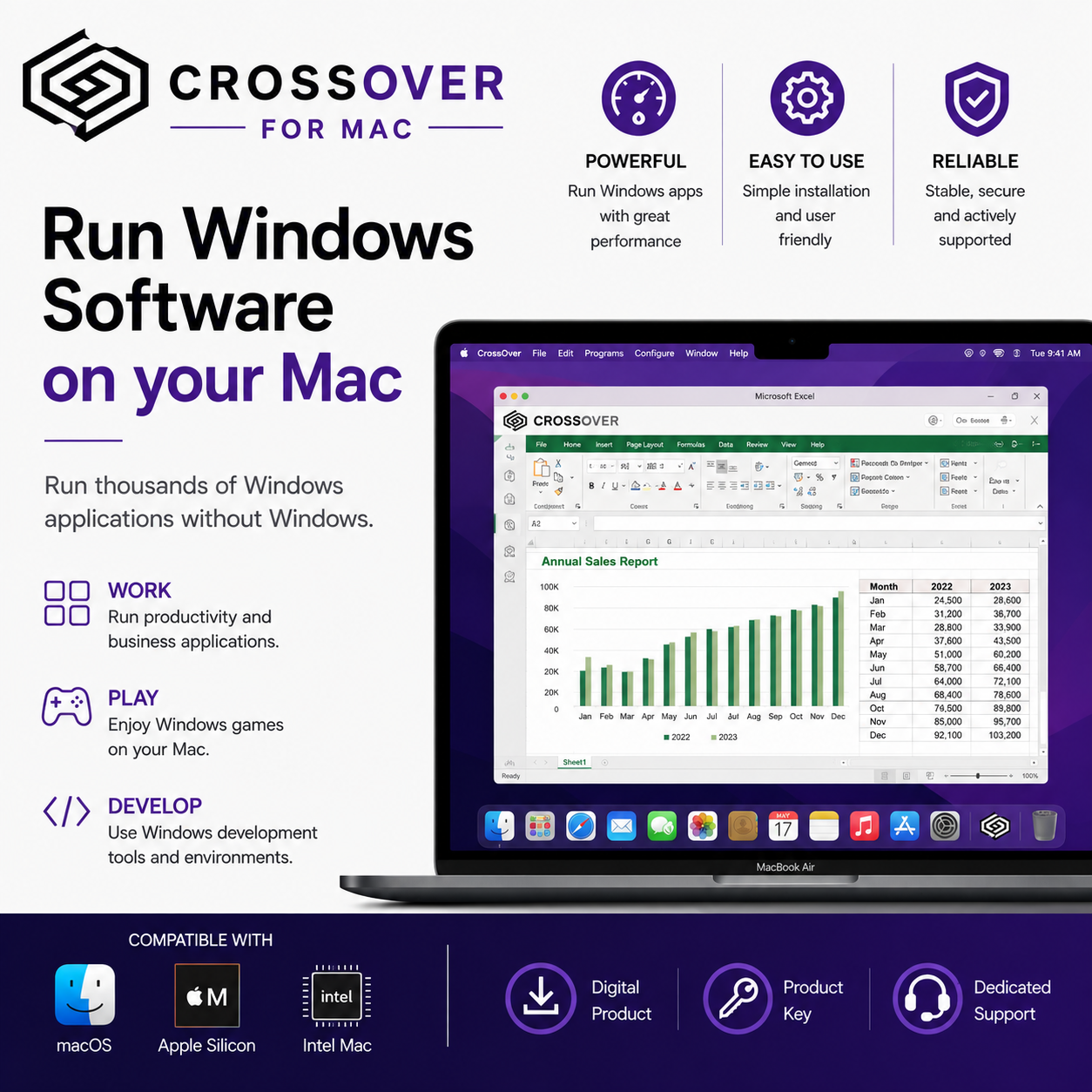
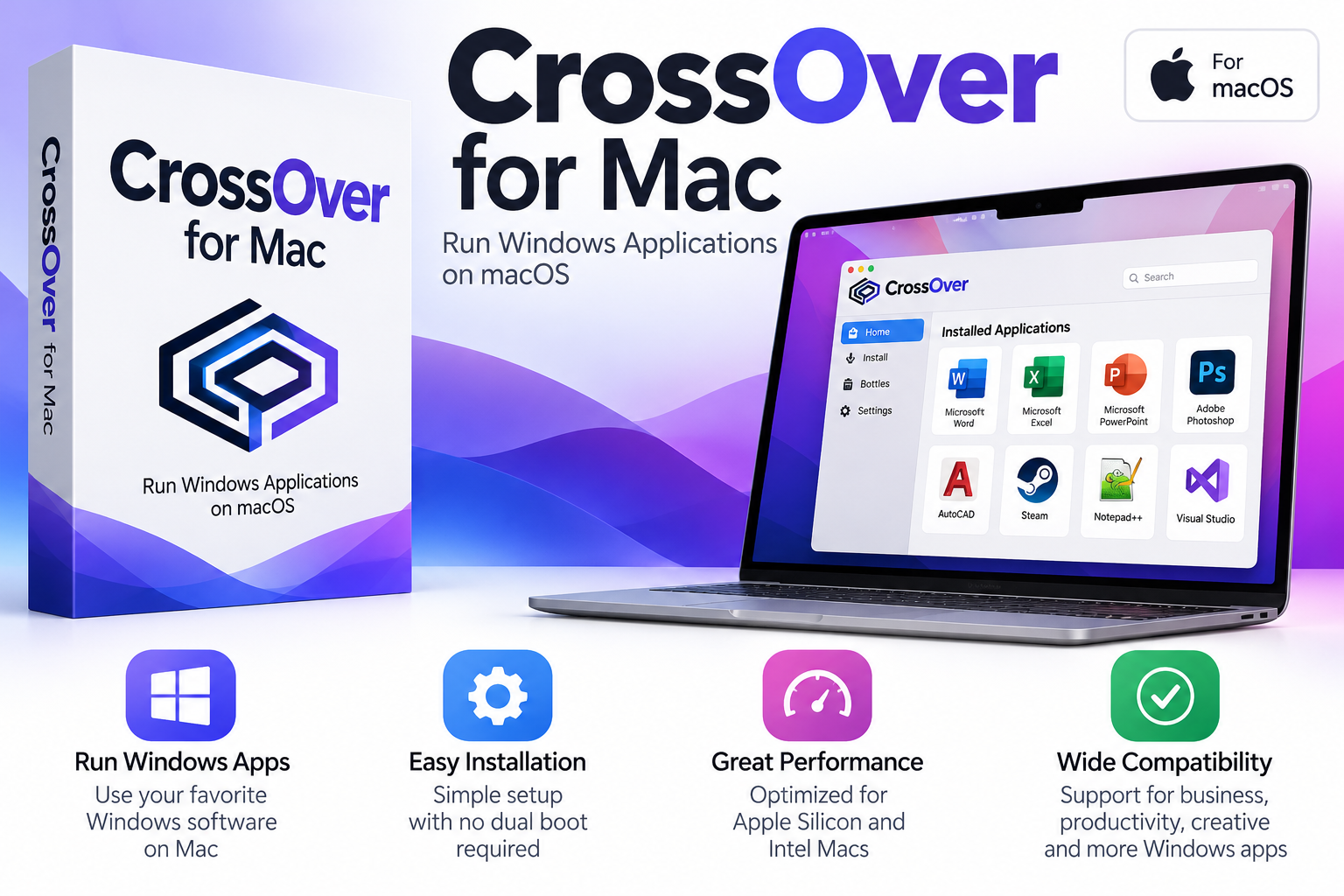
CrossOver for Mac offers a different approach to running Windows software on macOS.
Instead of installing a complete Windows operating system inside a virtual machine, CrossOver is designed to help compatible Windows applications run directly alongside your Mac applications.
This can be a practical solution for Mac users who need access to specific Windows software without setting up a separate Windows installation or rebooting their computer.
Use Windows Applications Alongside macOS
With CrossOver, supported Windows applications can run within your existing macOS environment, allowing you to continue using your regular Mac applications and workflow.
CrossOver can be a practical solution for users who:
- Use macOS as their primary operating system
- Need access to specific Windows applications
- Want to avoid installing a separate Windows operating system
- Prefer an alternative to traditional virtual machine software
- Use an Intel-based or Apple Silicon Mac
A Different Alternative to Virtual Machines
Traditional virtualization software creates a separate virtual computer where another operating system can be installed.
CrossOver works differently. It is designed to run supported Windows applications without requiring a separate Windows installation for those applications.
This can make it an attractive option when you only need access to particular Windows programs rather than a complete Windows desktop environment.
Important Compatibility Information
CrossOver does not guarantee compatibility with every Windows application or game.
Before purchasing, we strongly recommend checking whether the specific Windows software you intend to use is compatible with CrossOver.
Compatibility can vary depending on the application, CrossOver version, macOS version and your Mac hardware.
Mac Compatibility
CrossOver for Mac supports compatible Intel-based Macs and Apple Silicon Macs, including Macs with Apple M1 and newer chips.
System Requirements
- Processor: Intel or Apple Silicon (M1 or newer)
- Operating System: Compatible version of macOS
- Storage: At least 1 GB of available disk space for CrossOver
- Additional Storage: Extra space is required for Windows applications you install
- iPhone & iPad: Not supported
Because compatibility can vary between CrossOver versions and macOS releases, please check the current CrossOver compatibility information before purchasing.
License and Update Information
This product is sold as a one-time purchase with no recurring subscription.
The supplied license provides continued use of the CrossOver version you are entitled to.
Included with the license:
- 12 months of upgrades and new releases
- 12 months of bug fixes
- 12 months of email and phone support
After the included support and update period ends, you can continue using the version you obtained during your entitlement period. Future upgrades and support are not automatically included unless the support period is renewed.
Before You Buy
Please check compatibility for the specific Windows application you want to run before purchasing.
CrossOver is not compatible with every Windows application or game, and compatibility may change depending on the application, CrossOver version, macOS version, and Mac hardware.
This is a digital product. No physical item will be shipped.
Product details are delivered electronically via email. Please refer to our Shipping & Delivery Policy for additional delivery information.
❓ FAQ
What is CrossOver for Mac?
CrossOver is software designed to help compatible Windows applications run on macOS without requiring a traditional virtual machine for those applications.
Do I need to install Windows?
CrossOver is designed to run supported Windows applications without requiring a separate Windows operating system installation for those applications.
Does CrossOver work with every Windows application?
No. Compatibility varies depending on the application, CrossOver version, macOS version and hardware. We recommend checking compatibility for the specific application you want to use before purchasing.
Does CrossOver work on Apple Silicon Macs?
Yes. CrossOver supports compatible Apple Silicon Macs as well as Intel-based Macs.
Is this a subscription?
No. This listing is sold as a one-time purchase with no recurring subscription.
Are future updates included forever?
No. The license includes 12 months of upgrades, bug fixes and support. After that period, you can continue using the version you obtained during the included update period, but future updates and support are not automatically included.
Can I use CrossOver on an iPad or iPhone?
No. CrossOver for Mac is designed for compatible Mac computers and does not run on iPhone or iPad.
Is this a physical product?
No. This is a digital product delivered electronically.
How will I receive my order?
Product details will be delivered via email. Please refer to our Shipping Policy for delivery information.

Reviews
There are no reviews yet.