Edit Music, Voice Recordings and More
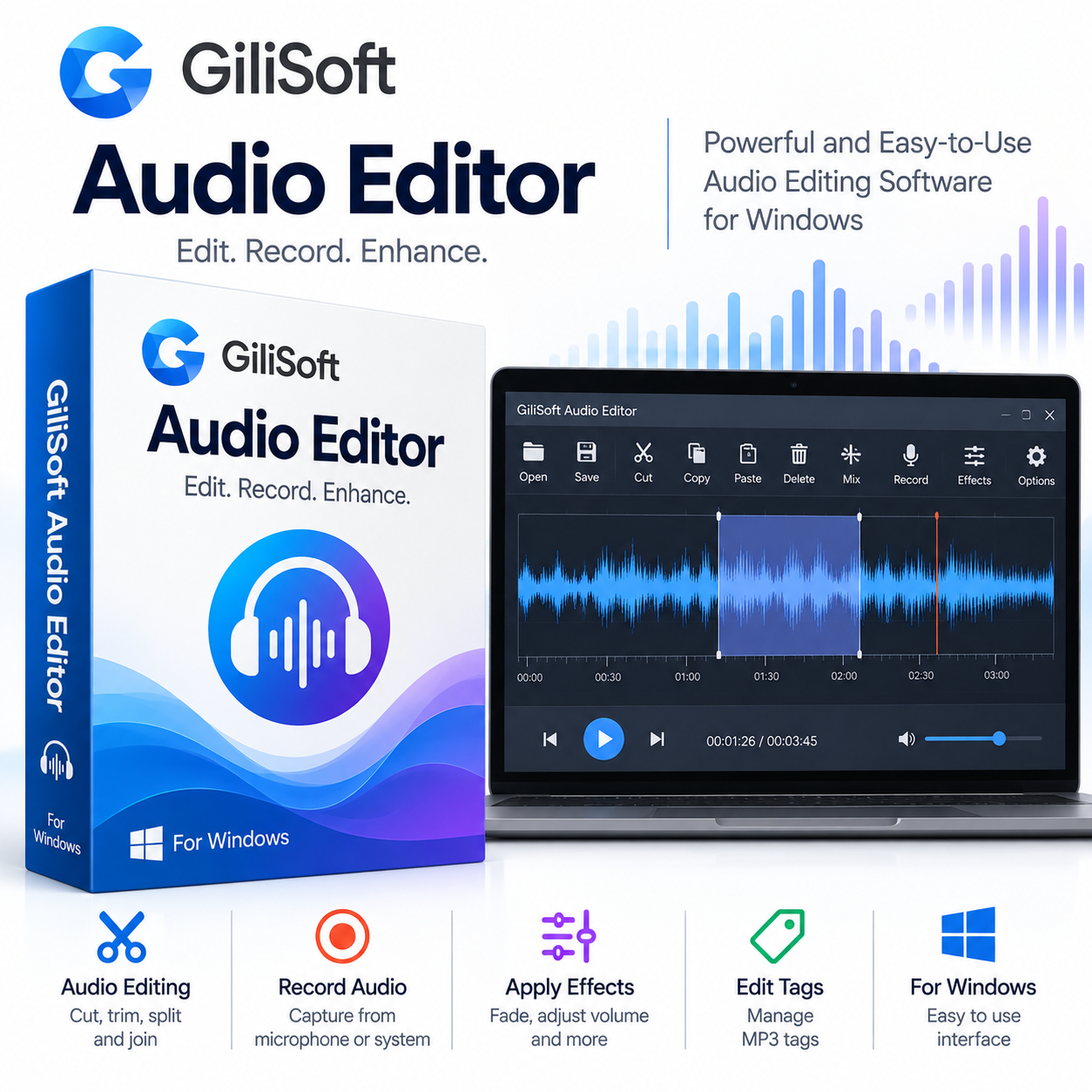
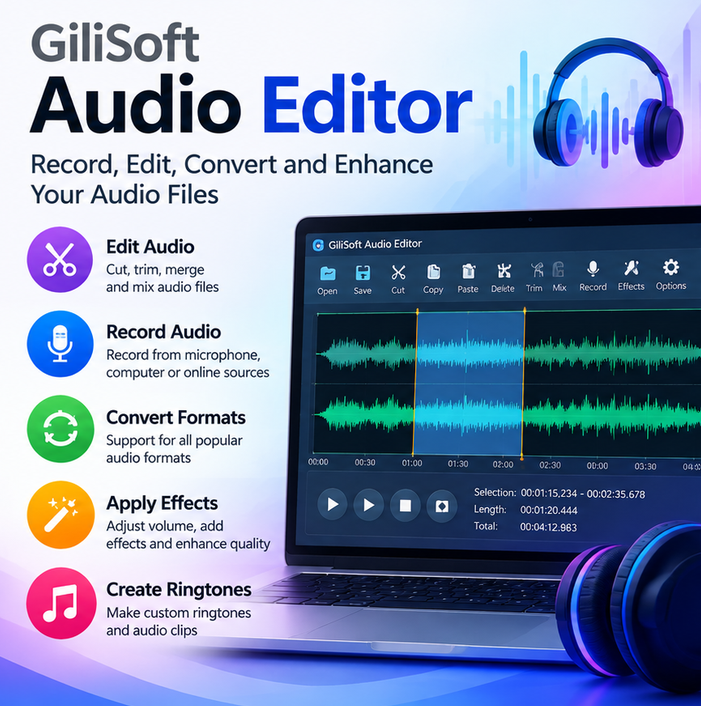
GiliSoft Audio Editor is a practical Windows audio editing application for working with music, voice recordings, podcasts, interviews, lectures and other audio files. Its waveform-based interface makes it easy to select specific sections of a recording, remove unwanted parts, combine clips and prepare finished audio files.
Instead of requiring a large professional audio production suite for everyday editing tasks, GiliSoft Audio Editor focuses on the tools most users need for cutting, joining, recording, mixing and refining audio.
Cut, Trim and Split Audio
Precise waveform selection gives you control over the parts of a recording you want to keep or remove.
With GiliSoft Audio Editor, you can:
- Cut unwanted sections
- Trim the beginning and end of recordings
- Split long recordings into smaller clips
- Delete selected sections
- Copy and paste audio
- Join multiple audio files
- Export selected portions of a recording
These tools are useful for everything from short music edits to longer interviews, lectures and voice recordings.
Join and Mix Audio Tracks
GiliSoft Audio Editor can combine multiple audio clips into a single file and mix audio sources together.
For example, you can combine narration with background music, join several sections of a recording, or prepare multiple audio clips as one finished track.
Joining places audio clips one after another, while mixing allows different sounds to play together. This distinction makes the software useful for podcasts, presentations, lessons and other projects where multiple audio sources need to be combined.
Record System Sound and Microphone Input
The software also provides audio recording functionality. You can record supported system audio or microphone input and then continue editing the recording within the same application.
This can be useful for:
- Voice recordings
- Interviews
- Lectures
- Meetings
- Online audio
- Narration
- Other computer-based recordings
Recording and editing in the same application can simplify the workflow when you need to make corrections immediately after capturing audio.
Apply Fades and Audio Adjustments
GiliSoft Audio Editor includes practical tools for adjusting the sound of your recordings.
Available functions include:
- Fade In
- Fade Out
- Echo
- Amplification
- Volume adjustment
- Audio mixing
Fade controls can help create smoother beginnings and endings, while volume and amplification tools allow you to adjust the level of a recording.
Work With Popular Audio Formats
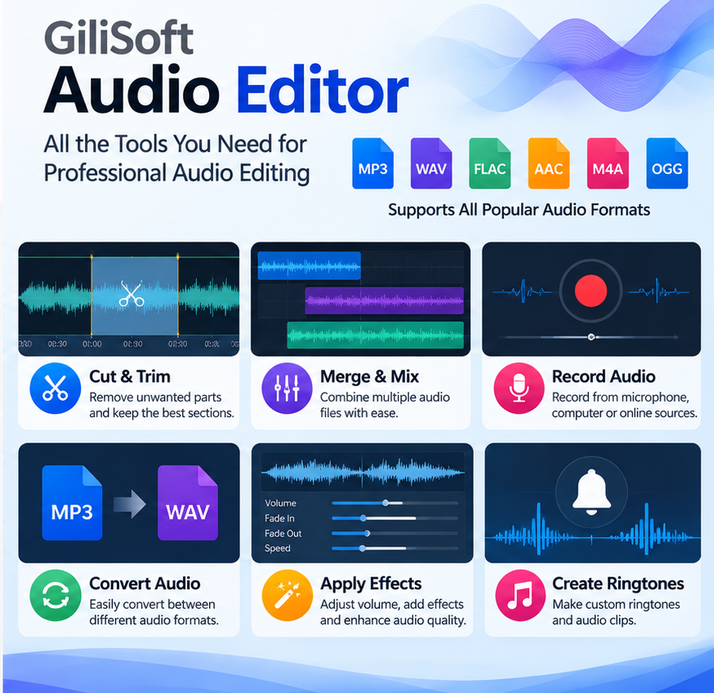
The software supports a range of common audio formats, including MP3, WAV, WMA, OGG, M4A and several additional formats.
This makes it suitable for editing music files, voice recordings and other audio content before saving or sharing the finished result.
Edit MP3 Tags
GiliSoft Audio Editor also includes MP3 tag editing capabilities.
You can organize available metadata such as:
- Title
- Artist
- Album
- Track number
- Other ID3 information
This is useful when preparing MP3 files for a personal music library or when making sure exported tracks contain the correct information.
Extract Audio From Video
If you only need the audio portion of a video, GiliSoft Audio Editor can be used to extract audio from supported video files.
After extraction, the resulting audio can be edited using the same workflow as other recordings. This can be useful for saving a soundtrack, extracting spoken content or preparing audio for another project.
Batch Audio Cutting
For users who need to process multiple recordings, the software also provides batch cutting functionality. This can be useful when several audio files need similar trimming or preparation.
It can save time when working with collections of recordings, samples, lessons or other short audio files.
Who Is GiliSoft Audio Editor For?
GiliSoft Audio Editor is suitable for users who need a focused Windows application for everyday audio editing.
Typical uses include:
- Editing music
- Cutting podcast recordings
- Trimming interviews
- Editing voice recordings
- Preparing lectures
- Creating short audio clips
- Combining narration and music
- Extracting audio from video
- Organizing MP3 metadata
- Preparing recordings for presentations
It is a practical choice when you need dedicated editing tools without moving into a more complex professional studio environment.
Windows Audio Editing Software
GiliSoft Audio Editor is designed for Windows. GiliSoft currently lists the product among its Windows audio tools and provides a trial version for evaluation.
Important Information
This product is supplied as a CD Key.
Please check the supported Windows version and system requirements before installation.
Available features and licensing terms can depend on the specific version and license supplied with the product.
Product details will be delivered electronically after purchase. Please refer to our Shipping Policy for delivery information.
Reviews
There are no reviews yet.