PixelPlanet PDFEditor 4 Professional for Windows
Simple & Powerful PDF Editing Solution
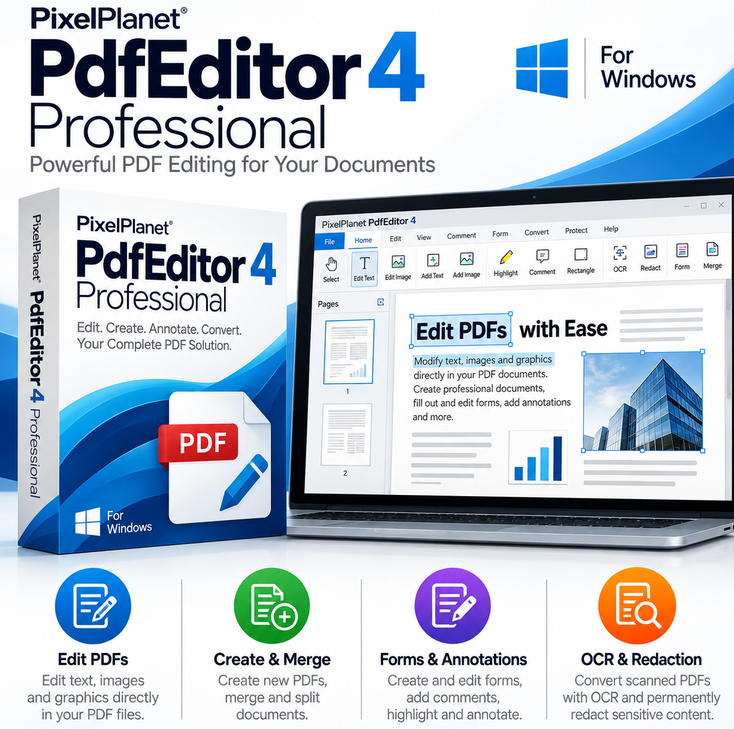
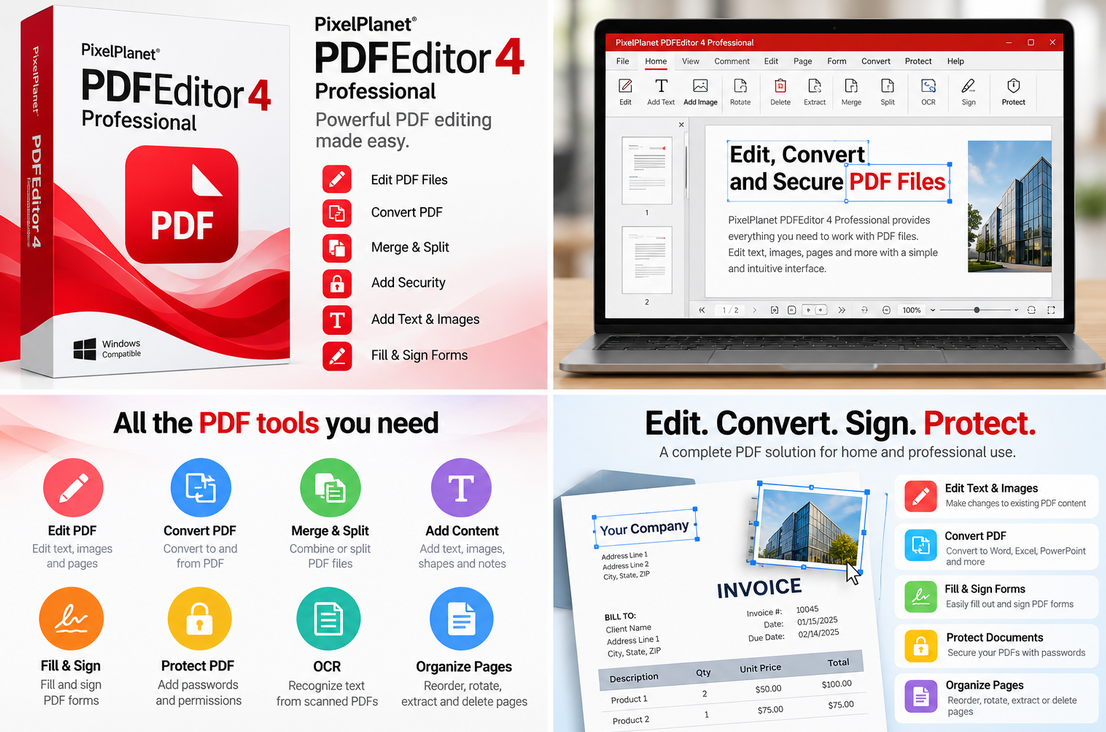
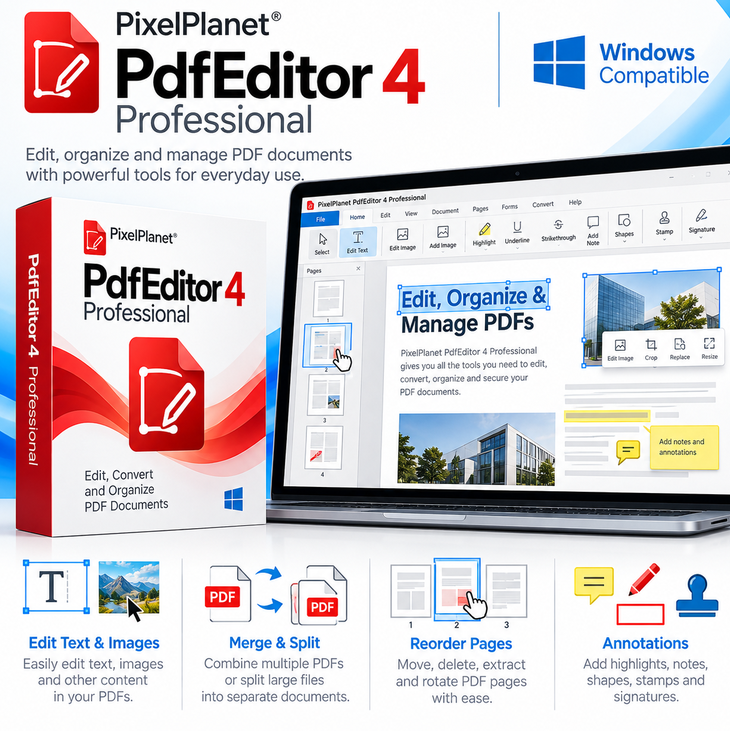
PixelPlanet PDFEditor 4 Professional is a reliable and easy-to-use PDF editing software designed for users who need fast document handling and conversion tools. It allows you to edit, convert, and manage PDF files efficiently without complexity.
✏️ Easy PDF Editing
Modify text, images, and pages in PDF documents quickly and efficiently, making document management simple for everyday use.
🔄 PDF Creation & Conversion
Convert PDF files into common formats for easy editing and sharing, helping improve productivity and workflow efficiency.
⚡ Lightweight Performance
Designed to run smoothly on Windows systems with minimal resource usage, ensuring fast and stable performance.
🔑 Key Features:
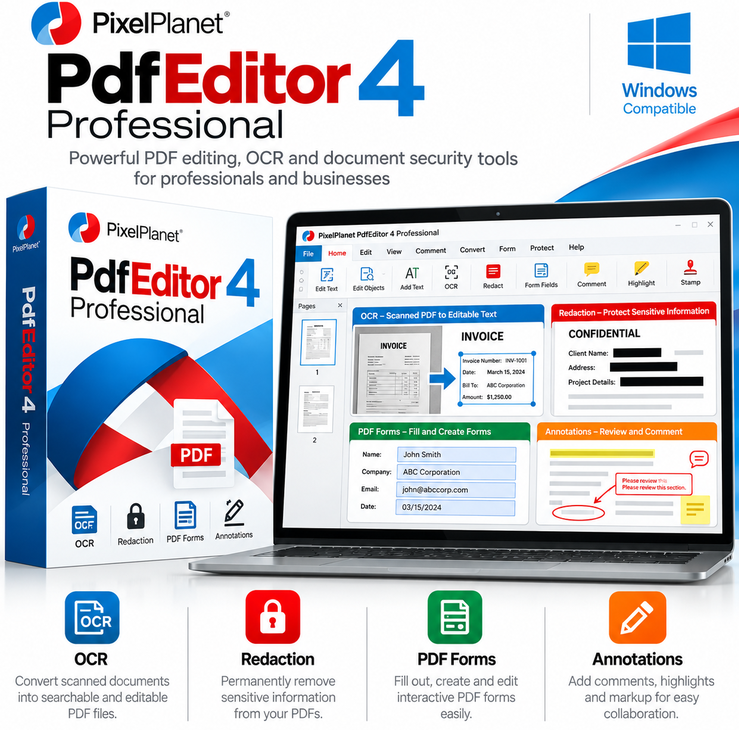
✓ Edit PDF text, images, and objects
✓ Create and edit PDF documents
✓ Merge, split, and organize PDF files
✓ Create and fill PDF forms
✓ OCR for searchable PDF documents
✓ Add annotations, highlights, and comments
✓ Redact confidential PDF content
✓ Create PDFs from printable Windows applications
⚙️ System Requirements
Operating System: Windows 11, Windows 10, Windows 8, or Windows 7
Architecture: 32-bit or 64-bit
Processor: Pentium 266 MHz or equivalent
RAM: 512 MB minimum
Storage: 50 MB available disk space
🚀 Fast Digital Delivery
Your product is delivered digitally after purchase, allowing immediate access without shipping delays.
📌 One-Time License – No Subscription
This product requires a one-time payment. No recurring fees or subscriptions are included.
👨💻 Who Is It For?
Perfect for students, freelancers, and office users who need a simple and affordable PDF editing tool.
📌 Important Information
✔ One-time purchase (no subscription required)
✔ Digital product – no physical item will be shipped
✔ Delivered via email
✔ Not affiliated with PixelPlanet
❓ FAQ:
Q: Is this a subscription?
A: No. This product includes a lifetime license with a one-time payment and no recurring subscription fees.
Q: Which versions of Windows are supported?
A: PdfEditor 4 supports Windows 11, Windows 10, Windows 8, and Windows 7 in 32-bit and 64-bit versions.
Q: How will I receive the product?
A: The activation details will be sent via email after purchase.
Q: Will I receive a physical copy?
A: No, this is a digital product only.
Q: What can I do with this software?
A: You can edit PDF text and images, create and fill forms, merge and split PDFs, add annotations, use OCR, and redact confidential content.
Q: What if I need help?
A: Our support team is available to assist you.
Reviews
There are no reviews yet.